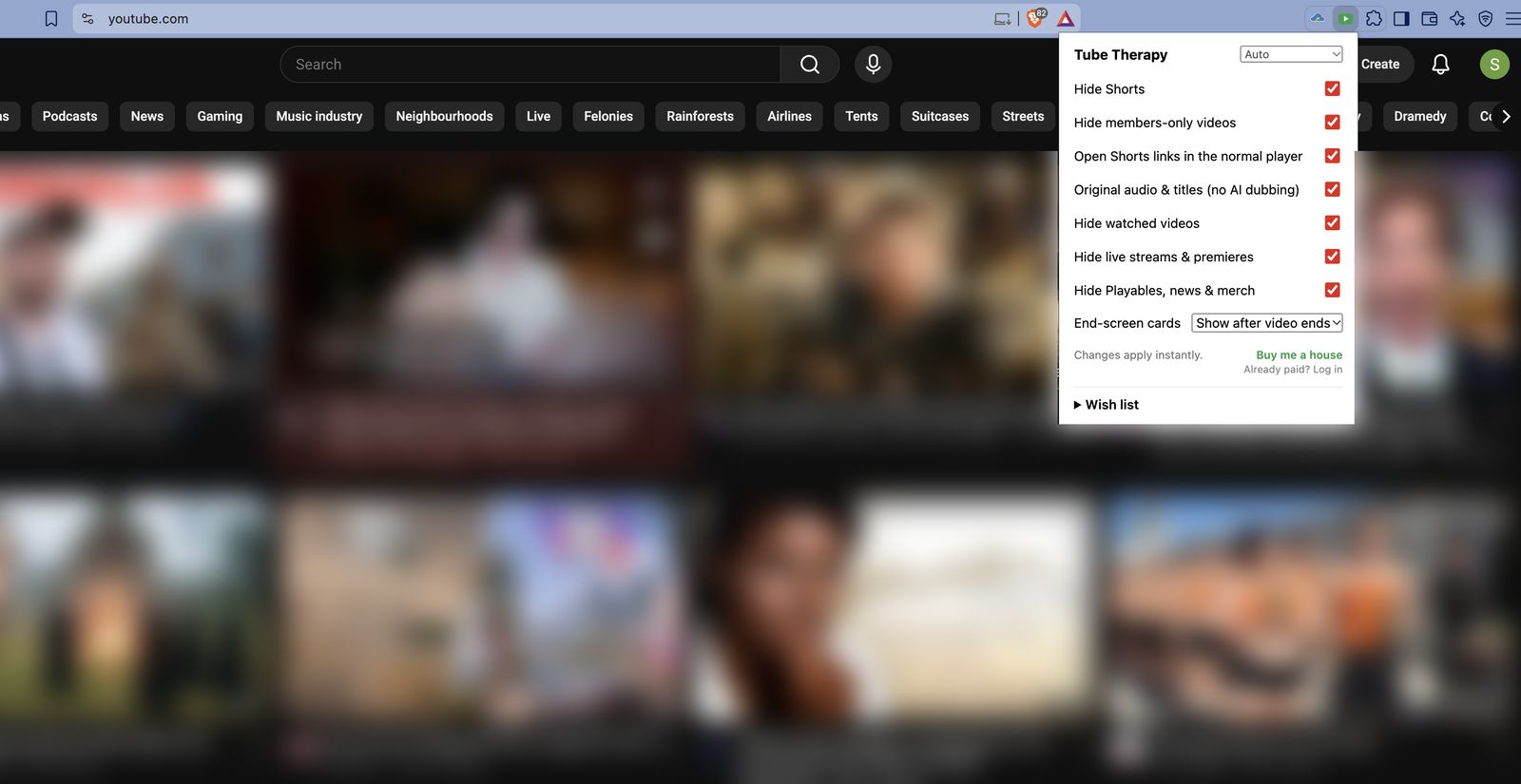
Tube Therapy is a free anti-annoying kit for YouTube. It hides Shorts and members-only videos, turns off AI dubbing, and keeps end-screen cards from covering the last seconds of what you're watching.
Works in Chrome, Edge, Brave and other Chromium browsers · 16 languages · No account, no tracking

Turn each one on or off from the toolbar menu. Changes apply instantly, without reloading the page.
No Shorts shelf, no Shorts in feeds, search or the sidebar. Optionally open any Shorts link in the normal player.
Only see videos you can actually watch. Works with YouTube in many languages.
Show recommendation cards only after the video ends, or hide them completely.
YouTube now auto-dubs videos with an AI voice and translates titles. Get the creator's real voice and title back.
Videos you've already watched disappear from your feeds, so you only see what's new.
Optional: keep live streams, upcoming and premiere videos out of your way.
Hide Playables mini-games, news shelves and merch shelves.
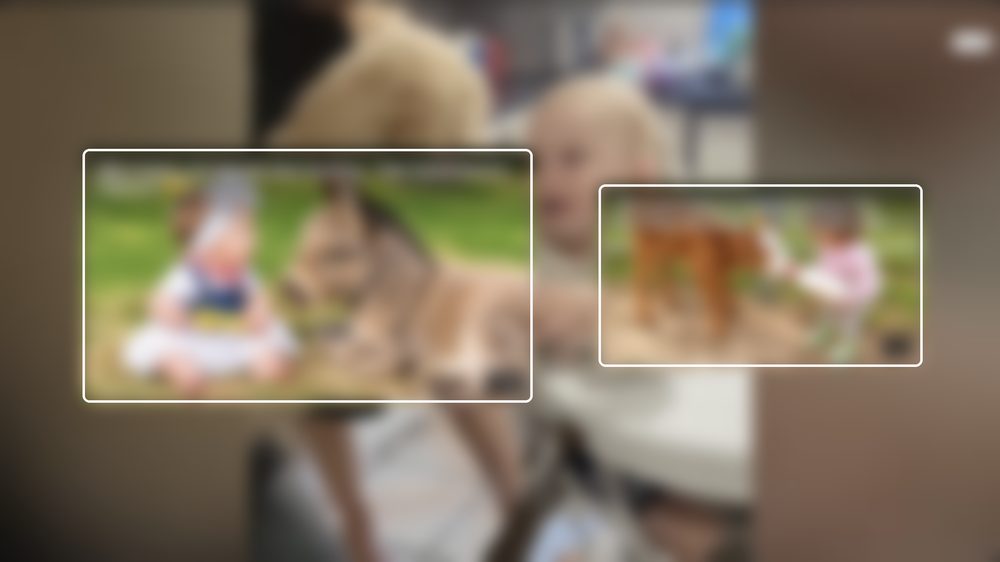
Same video, same moment. On the left, YouTube's end-screen cards cover the picture. On the right, Tube Therapy holds them back until the video is over.


No Shorts shelf, no videos locked behind memberships, nothing you've already seen.
Tube Therapy follows your browser's language automatically, and you can switch it any time from the menu.
Every feature is free. If Tube Therapy saves your sanity, you can chip in once from the extension menu. Supporters get a 🏠 Landlord badge and early access to future extras. Payments are handled securely by Stripe.
Yes. All features are free with no limits. The optional "Buy me a house" payment only adds a supporter badge and early access to future extras.
No. It runs entirely in your browser, with no analytics and no tracking. Data only leaves your browser if you choose to send a wish (feedback) or make an optional payment. Read the privacy policy.
Chrome, plus Chromium-based browsers that install Chrome Web Store extensions, such as Edge and Brave. It works on youtube.com in a desktop browser, not in the YouTube app.
YouTube changes its pages often. Send a note from the Wish list in the extension menu, or open an issue on GitHub, and it will be fixed in an update. Updates install automatically.
Please do. Open the extension menu and use the Wish list at the bottom. The most-requested ideas get built first.
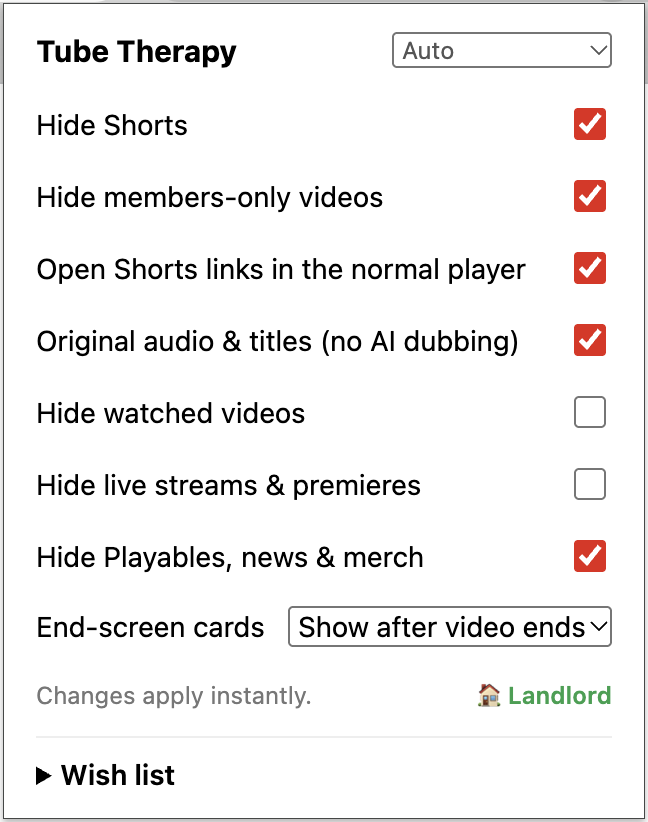
Install in one click. Turn things on or off any time.
Add to Chrome — it's free